WordPress wins by a country mile
We reviewed every public company corporate website over the last few months to study the landscape, and we learned a lot
Luminate Works services public companies, it’s kind of our thing. We thought we’d seen it all over the years, but we recently sat down to actually look at every single website from A to Z. Half of them are powered by WordPress, our specialty!
When our team first pitched WordPress to public companies listed on the London Stock Exchange some ten years ago, it was essentially unheard of. We had to work extra hard to explain the positives and help our clients overcome their reservations.
“WordPress? Isn’t that a blogging platform? Is it secure? I’ve been told we should use something like Umbraco”
And now, as we near the end of 2025, we can report that around half of UK public companies are using the technology to power their corporate website or investor microsite. What went from an obscure ‘tough sell’, has become the standard technology being used today.
Let’s look at the numbers
When you’ve been delivering enterprise-grade WordPress as long as we have, it’s easy to spot the signs of something familiar. Simply viewing the source code of a page for a couple of seconds is often enough for a WordPress veteran to confirm what they’re looking at. Even Scotty was able to identify WordPress from a quick glance of the source code.
We’re less familiar with other CMS platforms – by virtue that we don’t regularly use them – although interestingly, we soon learned to identify Umbraco or Drupal, too. Thankfully, popular tools like whatcms.org and cmsdetect.com were able to help us fill in some blanks.
Out of a total 1,545 websites checked, we identified CMS technology for 1,243 of them.
The remaining 302 either had no CMS, or the CMS wasn’t immediately identifiable by studying the codebase or running it through a 3rd party checker. We might have been able to narrow this number down but we were predominantly looking for one thing.
And our headline number… WordPress powers 645 of the 1,243 – a whopping 52%!
As for the rest, it’s a real mixed bag. We saw lots of smaller, random and more obscure technologies that even we’ve never heard of, and a few more familiar names, but none of them comes close to the dominance of WordPress.
Here’s how it breaks down:
- 645 – WordPress
- 82 – Umbraco
- 79 – SiteCore
- 61 – Drupal (versions 7 (!!!) through to 11)
- 61 – Various Headless CMS (i.e. next.js)
- 46 – Adobe Experience Manager
- 43 – concrete5
- 23 – Webflow
- 20 – Laravel
- 19 – HubSpot
- 16 – Joomla!
- 16 – Sitefinity
- 16 – Squarespace
- + 40 other smaller technologies
The good…
Focusing in on the WordPress sites because that’s our jam, the quality of implementations varied enormously. From FTSE100s clearly sparing no expense, to smaller microcap companies working with much tighter budgets, we saw many different approaches, and some similar ones.
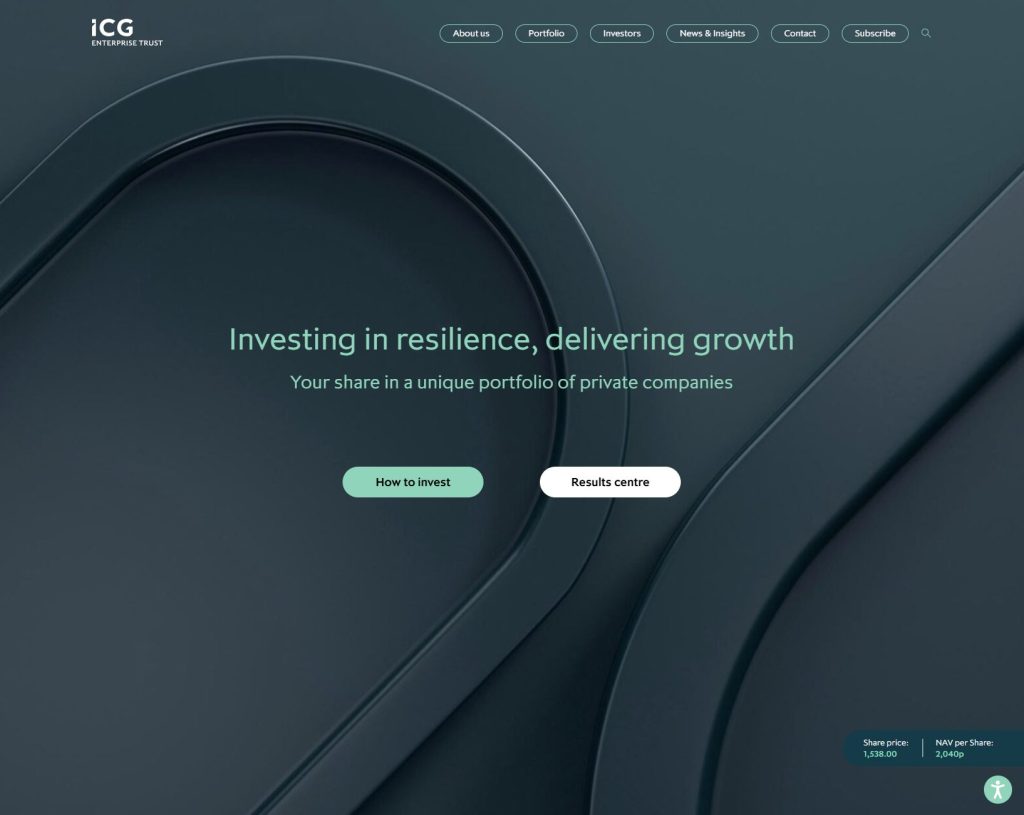
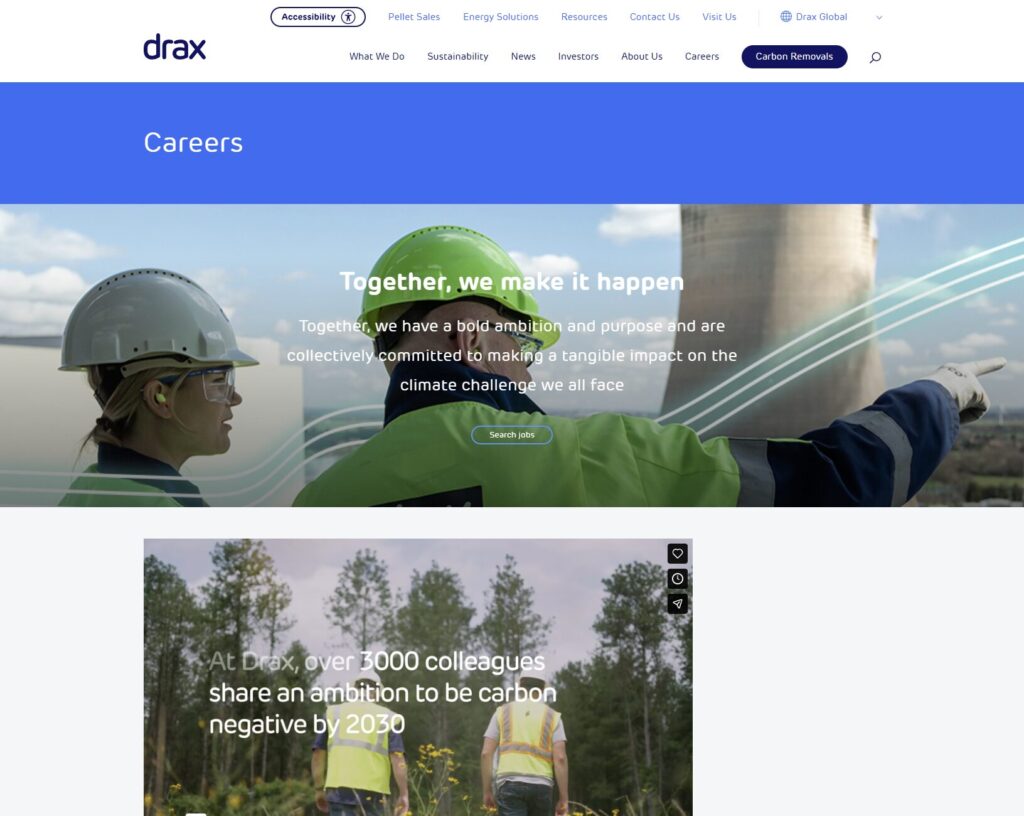
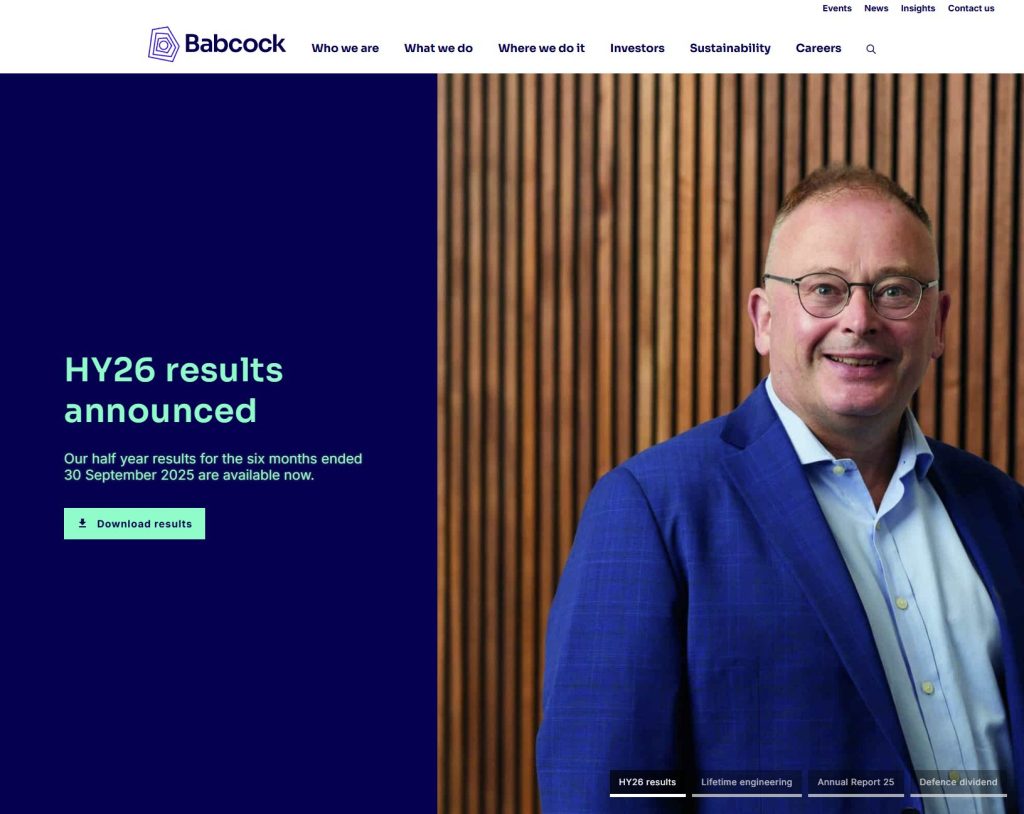
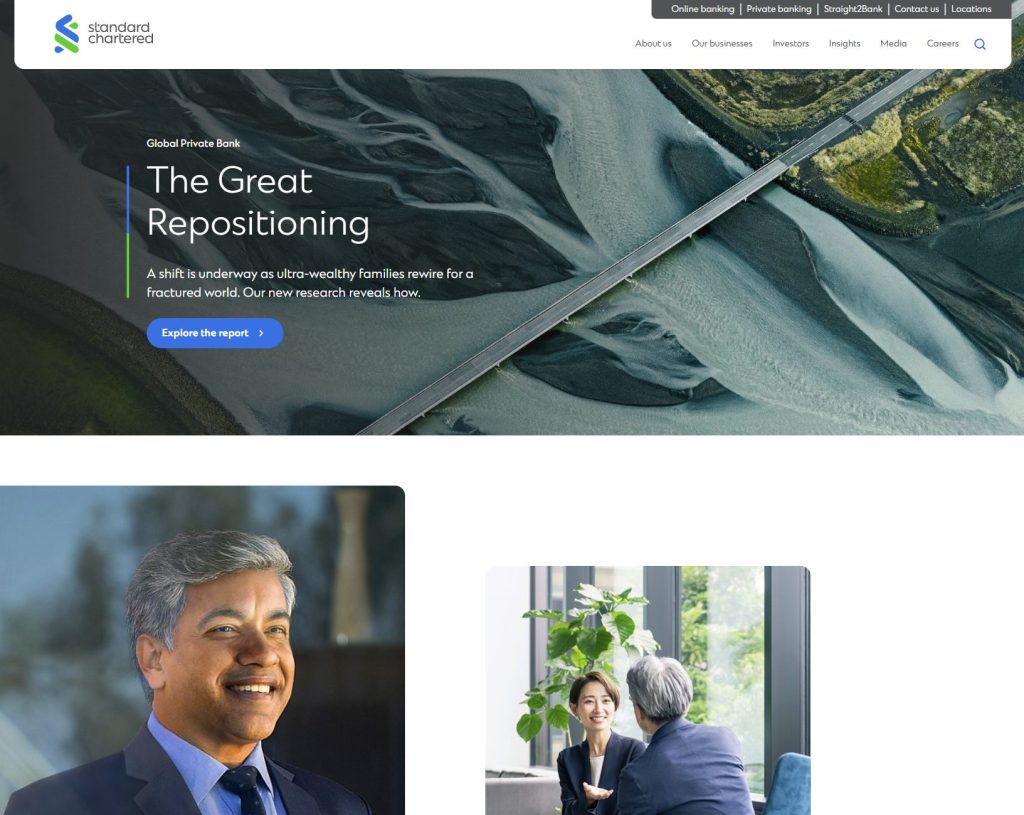
We’re extremely pleased to see larger names like ICG Enterprise Trust, Drax Group, Babcock International and even Standard Chartered making full use of WordPress to create engaging and modern corporate websites.
Their faith in the platform reinforces our own investment in the technology and clearly demonstrates that WordPress is more than capable of working at scale. But, it can work equally well for those with more modest demands.
The bad…
While there are many different ways to use WordPress to create and manage a website, not all of them are as polished or sophisticated. Like most things, you have to know how to use the technology properly to get the most out of the platform.
We’ll stop short of highlighting the less-than-glamorous examples by name (we’ll be in touch soon….), but they do tend to fall into a particular style.
We saw a lot of sites using ‘off-the-shelf’ themes that can be purchased for $50, augmented by page-builder plugins like Divi, Elementor and WP Bakery. The phrase ‘jack of all trades, master of none’ comes to mind here.
This part of the WordPress ecosystem has a low barrier to entry, but the output is often sub-par. Yes, it’s possible to create a WordPress website for next to nothing, but it’s an approach usually favoured by DIY enthusiasts who are not professional web designers.
You either know how to code and do things properly yourself, or you don’t and have to rely on the themes and plugins offered by commercial authors.
And the ugly…
When we dug a little deeper, we noticed many sites lacking the sort of security measures we’d typically recommend, and many appeared out-dated or poorly maintained. There are plenty of publicly available tools available to help people like us interrogate a WordPress installation and take a peek behind the curtain.
Which is a little concerning given the high-profile nature of public companies and the legislative and regulatory framework they operate under. This sort of thing is the stuff of our nerdy nightmares:

There’s really no excuse to be hosting an out-dated and potentially vulnerable WordPress installation.
Keeping sites up-to-date is part of our normal routine and we’re a bit shocked when we see results like the one above. WordPress 5.2.3 was released in 2019, which would suggest this website hasn’t been maintained for the last 6 years.
We’ll reach out to this particular company again soon because it doesn’t have to be this way. We host and maintain many inherited WordPress sites, and they don’t take much additional effort to secure, update or maintain, especially because we centralise our processes with custom update scripts.
What’s so great about WordPress?
We think there are many excellent reasons to use WordPress, but it probably boils down to one main thing – ease of use.
Beyond that, WordPress is famed for its flexibility, versatility, speed and of course, cost. As an open source technology, it can be downloaded and used without licence fees.
The popularity of WordPress – supporting around 40% of the entire internet – can only have originated from its continued evolution as a content-manager’s dream. Because that’s what a content management system is made for, right? Managing content. So it stands to reason that the most popular CMS does this incredibly well.
Which might also go some way to explaining why so many corporates are using it, too. WordPress makes it easy to operate quickly and without fuss.
Instant edits without coding
Used correctly, the technology enables lightning fast turnaround times. Our clients and their advisers certainly seem to appreciate our speedy turnarounds for support requests.
“Can you add this video to our landing page, and split our Results tables into separate blocks, but include a filter for the last block? Apologies for the short notice but we’re in a bit of a hurry”
Yeah, no worries, that’s done for you.
From everyday tasks such as publishing reports and documents, editing biographies, and embedding videos, to managing events, job listings or disclaimers for legal compliance, it’s all included as standard.
It doesn’t stop there!
We love the Gutenberg block editor
Since version 6.0, WordPress is powered by a fully featured ‘content block editor’ called Gutenberg that replaces traditional page templates, along with those sometimes annoying 3rd party page builders of yesteryear.
We like to think of Gutenberg blocks like the popular toy, LEGO. Our framework includes lots of LEGO blocks out-of-the-box, and we create new blocks to match the design and requirements of each client project.
Blocks can be re-used anywhere on a page or copied to other pages at the click of a mouse, and it’s just as easy for us to create variations of an existing block, or add new features.
This modular and flexible approach to modern WordPress comes with many benefits:
- Future edits can be made quickly, often without coding or the associated costs
- The ‘edit’ page in the backend looks similar to the frontend, giving a real preview
- Blocks are intuitive and easy to manage by in-house teams
- Blocks can easily be given a unique class for detailed tracking within GTM/GA4
- Building out bespoke campaign landing pages is quick and easy
- Adapting the order of content on a page becomes effortless
Moving, adding, duplicating, and editing content is achieved in a few clicks and without additional coding, allowing us to effortlessly design around content in whatever form it takes, now and into the future.
If you’re the curious sort you can check out the Gutenberg editor for yourself.
Accessibility, PageSpeed and Collaboration
WordPress has made great strides to become technically excellent and remain compliant with accessibility standards, delivering clean and valid code in the process.
Yes, this is the really nerdy stuff. And yes, it’s important.
Website accessibility is enshrined in law and it’s not an optional thing. Clean and valid code makes for better cross-browser compatibility and SEO, but it’s also a component of accessible web pages that can be read by screen reader software.
WordPress 6.9 codename ‘gene’ was released this week with some excellent new features we’re keen to explore.
Notably, we can now collaborate within the page editor by leaving notes for the next person! A bit like how you might leave comments in a Word document, but within the page editor of WordPress on a granular scale. So cool.
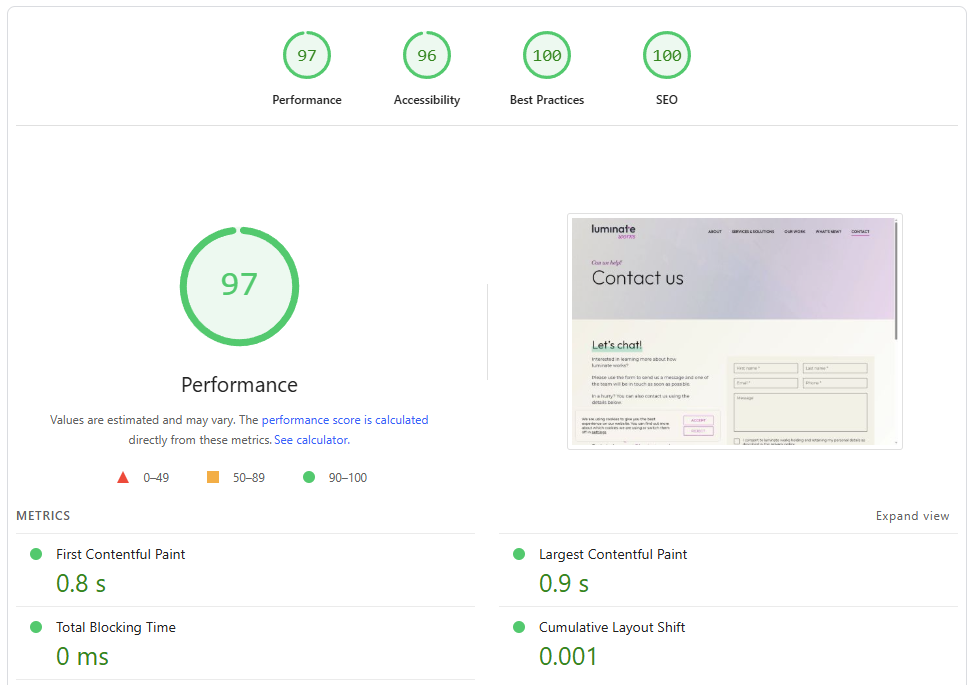
WordPress 6.9 also includes accessibility and performance enhancements to optimise the site loading experience for all visitors. Largest Contentful Paint (LCP) speeds have decreased, database queries have been optimised and caching has been refined.
Enterprise-grade WordPress for public companies
We LOVE crafting new identities and digital experiences, but we’re equally happy looking after existing installations. Migration to our secure AWS environment is painless – we can usually move a website within a day – and we’ll take the opportunity to fix, patch, secure and tidy up as part of the process.
If you would like to know how we can improve your corporate website – and help you build trust with stakeholders in the process – drop us a line and let’s chat.
Luminate Works, for you.